
For
Owners/admins with code-editing access.
Before you start
Check which door and code need fixing. Keep another working way to enter.
Steps
Find Restore code
In Operations, select the door. Choose Restore code beside the affected code, including under Other code records. If Edit shows Review restoration, choose that instead.
Choose the code type
Choose Regular access code for an ordinary entry code. If it belongs to an August/Yale Owner profile, choose Personal owner code in August/Yale. Choose Not sure if you need help checking.
Confirm a regular code once
Check the name, number and door, then choose Restore code. Other codes stay unchanged. Personal owner codes show separate help instead.
Wait for the remote result
STRide Locks checks automatically while the code is being restored. Review the confirmed status and access times. If a guest still reports an entry problem, contact support or use Emergency access.
Example screen
Example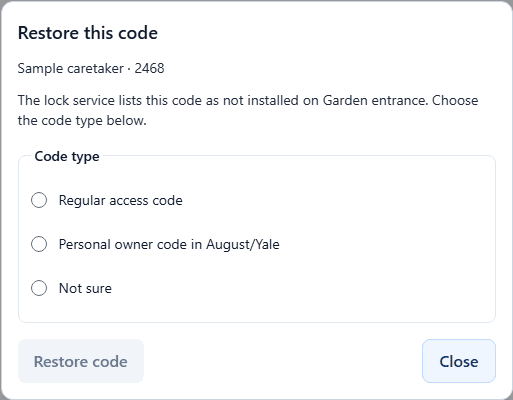
Additional example screen
Example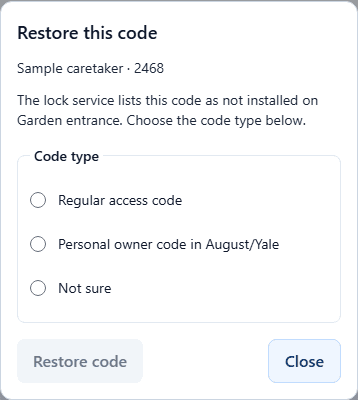
What to expect
STRide Locks checks the restored code remotely and updates its status automatically.
If something does not look right
If it fails or says the number is already used, open Recovery steps or contact STRide Locks support. If August/Yale already says Active but the code fails at the door, support needs to investigate. Refreshing the page does not send the change again.
Contact support