
For
Owners and admins; teammates with permission to view their own notification history.
Before you start
Open the message history for the booking or notification you are checking.
Steps
Read the outcome
Sent · delivery unconfirmed means the sending service accepted the message. Delivery unconfirmed means we do not know the result. Delivered confirms a delivery receipt, not that someone read the message.
Open What to do
Open What to do beside the problem. If code details are missing, review the booking and its doors.
Contact the person if it is urgent
Check with the guest or teammate before arranging another message. An unconfirmed message may already have been sent; repeating it could send a duplicate.
Check access separately
If a door’s code has failed or is overdue, review it in Operations and arrange another way in if needed. A delivered message does not prove the code works at the door.
Example screen
Example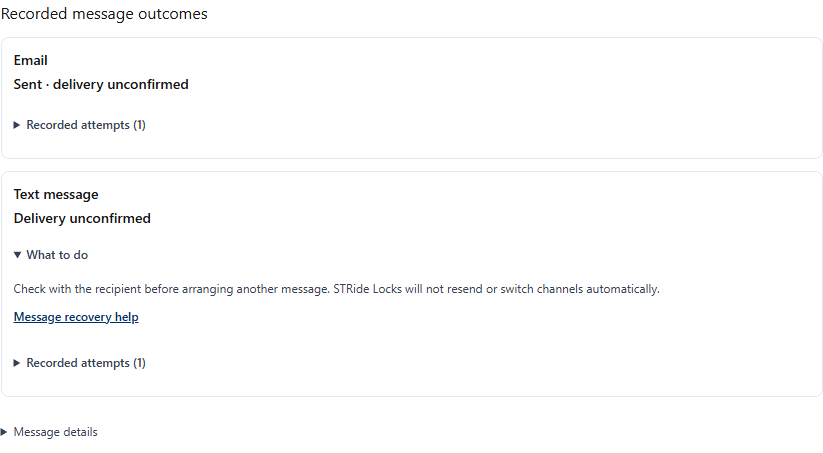
Additional example screen
Example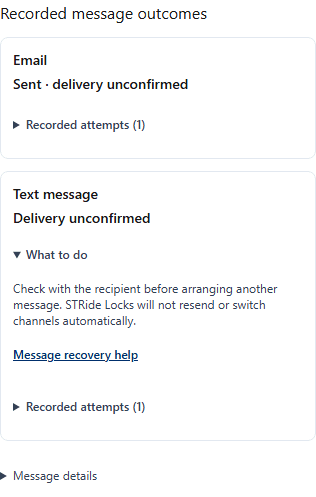
What to expect
You can distinguish message delivery from door access and avoid sending duplicates.
If something does not look right
An unclear result will not trigger an automatic resend. If access is urgent, contact the guest and arrange another way in.
Contact support