
For
Workspace owners and admins.
Before you start
Open Reports, then Summary Stats.
Steps
Choose a period and doors
In Code sync results, choose the last 7, 14 or 30 days, then a property group or door. Select Apply range. Groups use the door’s current grouping.
Read the recorded outcomes
Each identifiable request is counted once, using its latest saved outcome and the date of its first retained report. Later updates do not add another request. Name-only saves are excluded. Confirmed means the lock service reported confirmation; it does not prove the code works at the keypad.
Compare carefully
Previous-period counts and daily bars cover saved STRide Locks records. Earlier and other-app changes can be missing. If records cannot be included or matched to a request, comparison is unavailable. Differences in recorded counts are not a complete measure of performance.
Download the displayed summary
Choose Export CSV or Export XLSX. The file includes the applied filters, period, door totals, daily counts and coverage notes. It contains no code numbers or guest details. If the report changed, apply the range again before exporting.
Example screen
Example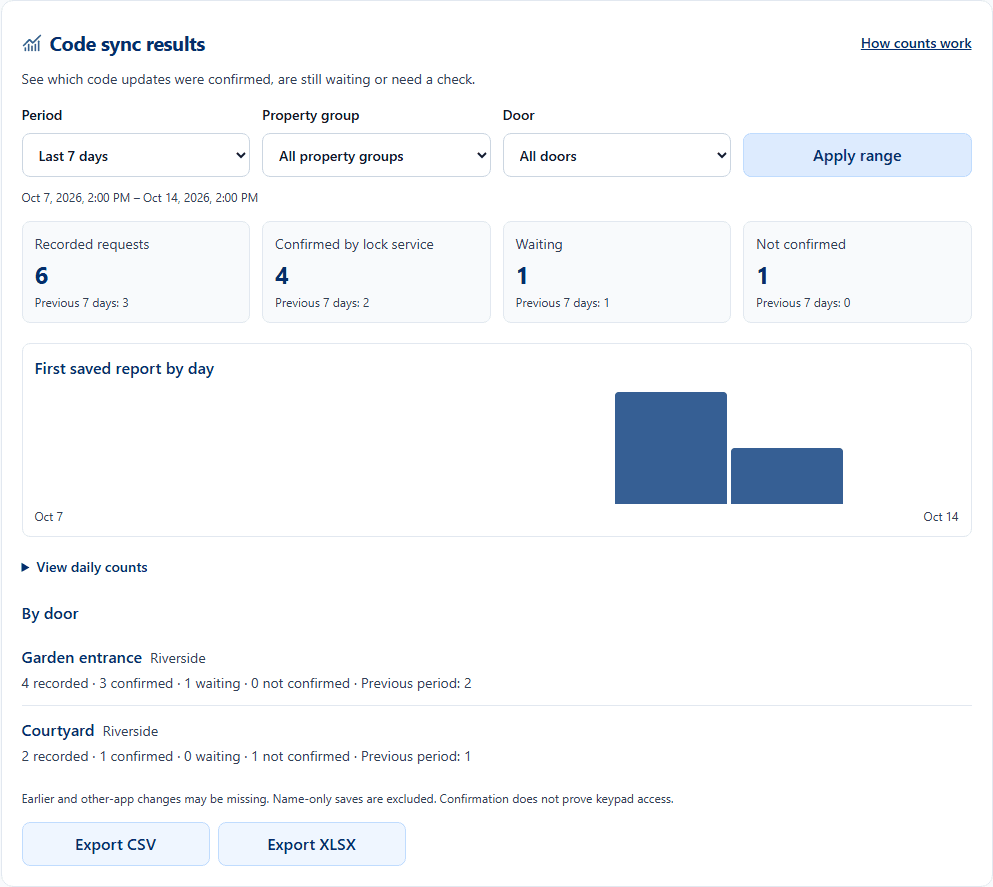
Additional example screen
Example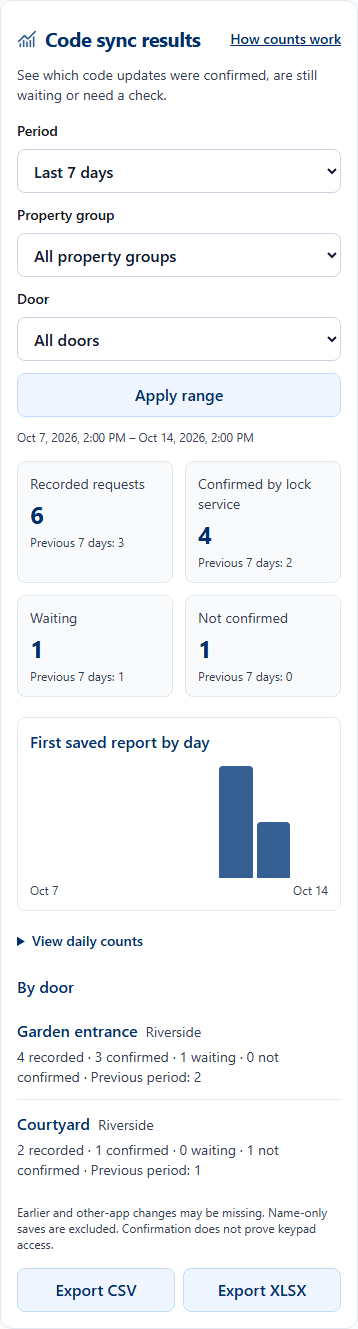
What to expect
You can review recorded code-change activity without treating incomplete history as complete door activity.
If something does not look right
If history cannot load, try one property group or door. A read includes up to 32 doors; any omitted or unavailable history is called out. An empty report means no identifiable requests were found in the saved records, not that nothing changed.
Contact support