
For
Owners and admins managing codes added in another app.
Before you start
Have access to the door and its lock maker’s app. Keep another working way to enter while testing.
Steps
If guest access could not be confirmed
Check this door in the manufacturer’s app and restore its connection or bridge first. Check whether the guest code is already there. If missing, add it once using the guest’s code and access times shown in STRide Locks. Use the lock’s supported guest-code tools or manufacturer instructions; keep another working way to enter.
Choose what to change
In Operations, select the door. Choose Edit. Change Name here and review and confirm it. The number and access times stay read-only. Choose Change in lock app for short guidance on editing those in the original app.
Open the original app
Open your lock manufacturer’s app, find this door and code, then edit and save. STRide Locks keeps management there to avoid disrupting its access.
Review the remote check
Check the code’s reported status and access times. If the app cannot set a timed code, arrange a temporary alternative and remove it after checkout. Use Code not working? if a guest reports an entry problem.
Review the replacement and removal
Refresh this door’s codes. Confirm the new number and access dates are reported correctly and the old number is no longer listed if you removed it. If either result remains unclear, contact support before repeating changes.
Refresh STRide Locks
Choose Refresh below the access code list. Changes can take time to reach STRide Locks. A renamed entry keeps its local name when the original app updates the same code record. A replacement entry may appear under a new name.
Example screen
Example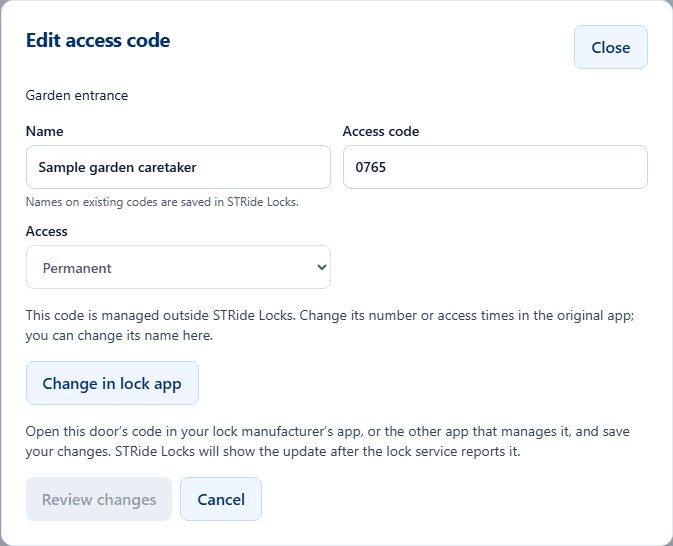
Additional example screen
Example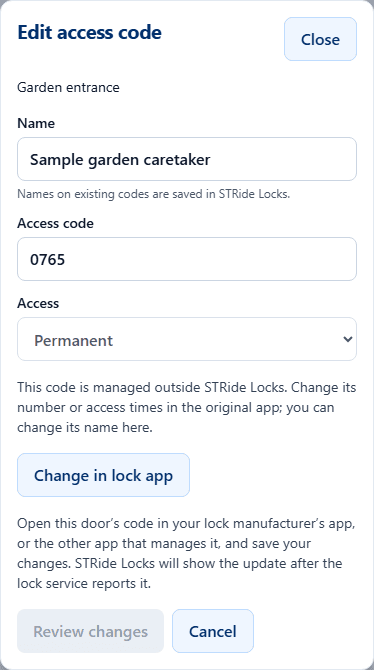
What to expect
STRide Locks shows the latest number and access times reported by the lock service. Your local name stays separate from the name in the original app.
If something does not look right
If the new number fails, or both the old and new numbers still work, contact STRide Locks support with the door name and when you tested them. Do not delete your Owner profile or keep repeating changes. We cannot reliably identify a personal owner code from its name alone.
Contact support