
For
Owners and administrators.
Before you start
Add the lock to your saved inventory.
Steps
Find the lock
Open Portfolio, choose Set up properties and find the door you want to rename.
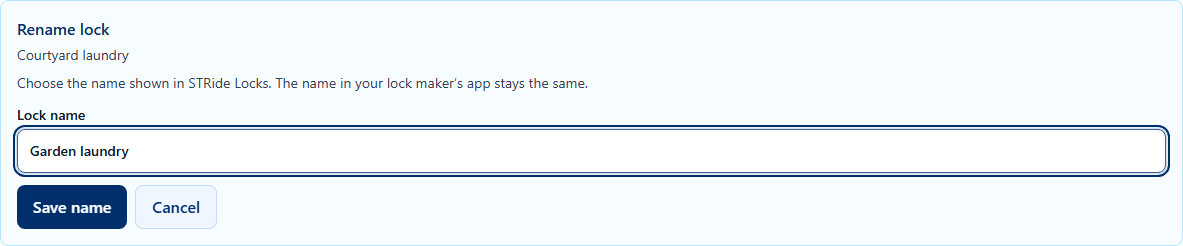
Choose Rename lock
Choose Rename lock beside that door. It is also available at the beginning of its setup flow.
Save the name
Enter a distinct Lock name and choose Save name. The new name appears in STRide Locks; its name in the lock maker’s app stays the same.
Additional example screen
Example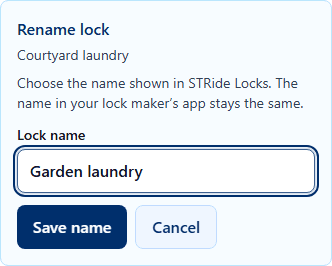
What to expect
The lock keeps its codes, property connections and access settings.
If something does not look right
If the save result is unclear, choose Check current name. A changed lock must be refreshed before another save.
Contact support