
For
Workspace owners and admins.
Before you start
Use this once the guest has the new code and you or the guest confirms it works at the door.
Steps
Open the warning
In Access readiness, choose Confirm code.
Confirm
Tick The new code works at the door, and the guest has it, then choose Confirm.
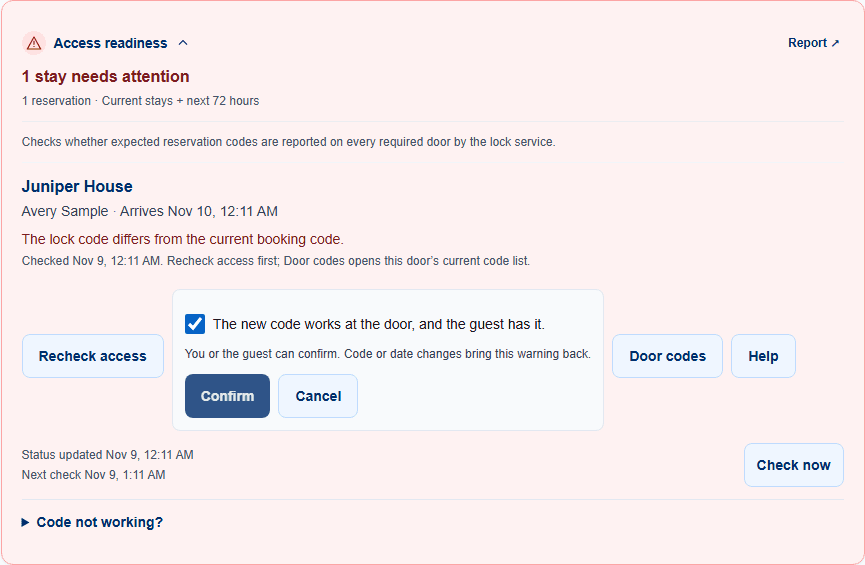
Additional example screen
Example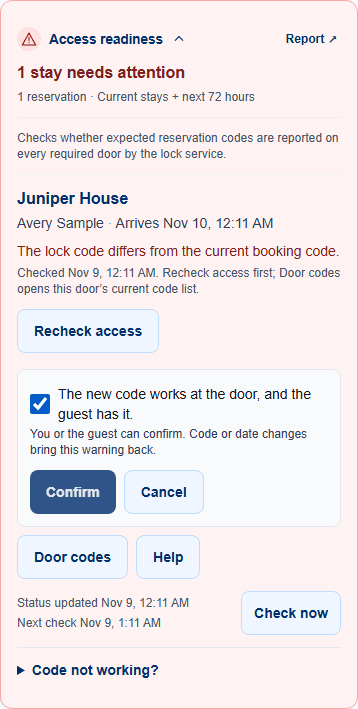
What to expect
The PIN warning clears. A later code or booking change needs another check.
If something does not look right
If this choice is missing, another problem needs attention, such as incorrect dates or an unfinished update. Open Door codes to review it.
Contact support