
For
Owners and admins preparing an approved Hospitable pilot.
Before you start
Customer OAuth and the external-code integration contract are still waiting for provider approval. Review existing and upcoming guest access before changing another integration.
Steps
Choose the exact connections
In Guided setup, use Accounts to select the Hospitable booking connection and lock account, then open Properties. Save the properties and primary or shared entrances for this setup. This does not switch the active booking source.
Preserve access for existing stays
Check codes guests already received before disabling native automation. Disconnecting or unmatching a lock can affect those codes. Keep working access in place during the transition.
Stop competing automation
Follow Hospitable’s supported procedure to stop managing each selected lock. Its property-unmatch flow is Devices, Overview, Smart Locks, select the lock, Edit, uncheck its property links and Save. Include every property linked to a selected shared lock. Unrelated locks can remain connected. Also review Airbnb and other code-generating integrations.
Review backup messages and guest templates
Review automatic Hospitable smart lock backup-code messages. Turning off that message alone does not stop native code generation. Guest messages should use %smartlock_code%, rather than promise phone digits; fallback codes may differ.
Save the code-manager review
In the Properties step, complete Use STRide Locks as your code manager. This records your review for the saved connection pair and mappings. It does not change Hospitable settings or activate automation.
Wait for accepted integration evidence
Activation requires customer OAuth permissions, confirmed field precedence and hosted acceptance. An unexpected field value pauses new STRide Locks code work instead of overwriting another system. That detection alone cannot prevent another system from sending its own value.
Desktop code-manager review
Example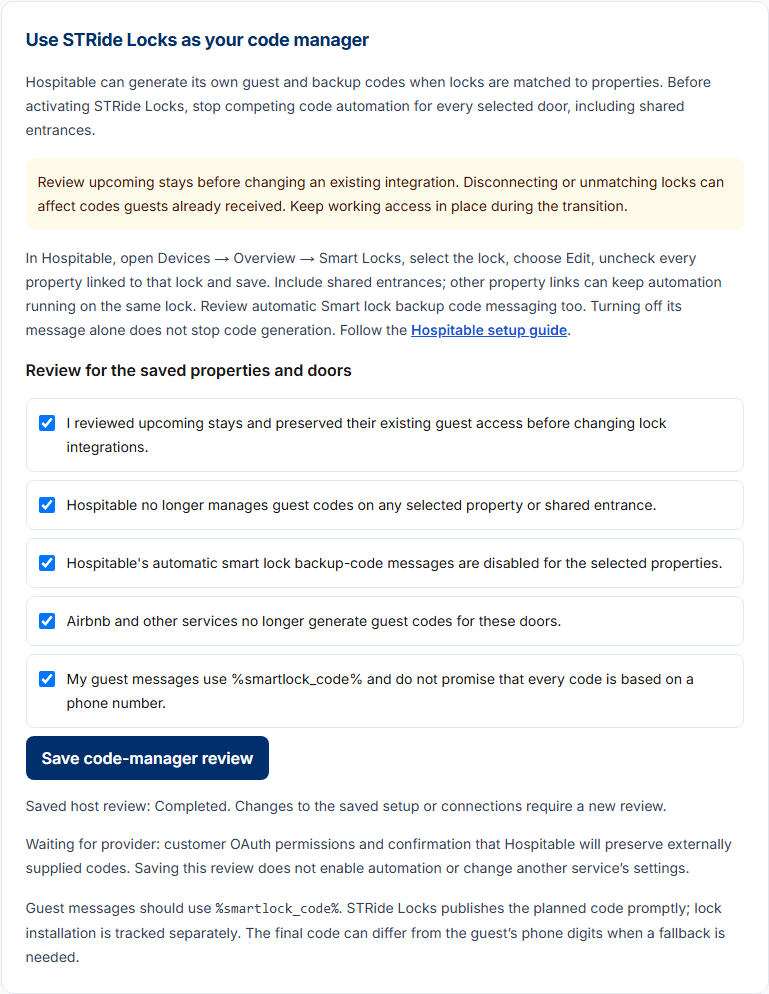
Phone code-manager review
Example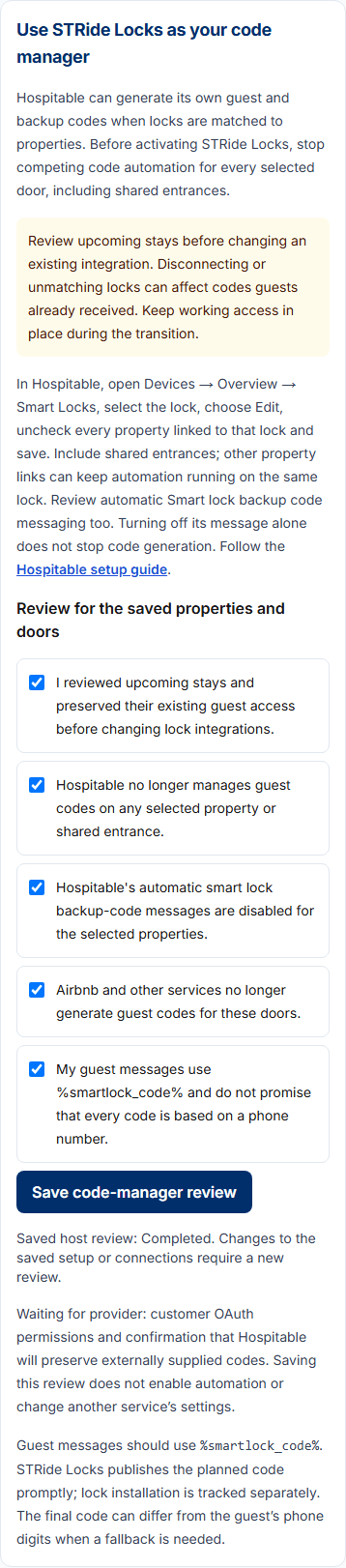
What to expect
The saved host review survives reloads in the Properties step of Guided setup. It remains separate from verified provider settings and activation.
If something does not look right
Connection, import or mapping changes require a new review. If another service changes the field, keep the integration paused and contact STRide Locks support. Do not repeatedly overwrite the field or remove existing guest codes.
Contact support