
For
Account owners in an admitted customer pilot.
Before you start
Public signup remains on the waitlist. In Guided setup, choose step 6, Launch review, and expand Plan and billing. If billing is unavailable, no payment step is required to prepare your existing-property switch. Subscription controls appear only when billing is available for your account.
Steps
Choose your intended plan
Choose Host or Superhost and monthly or annual billing. This is a preference, not permission to charge. When trial enrollment is available, the offered trial includes 30 days of Superhost features without a payment card. Creating a workspace alone does not establish an active trial; check the displayed account status.
Review your deadline and price
In Guided setup, open Launch review, then Plan and billing. Check the exact local trial-end time, unique physical-lock count, full annual or monthly total and renewal terms. Shared entrances count once.
Resolve Host conflicts
Review additional booking accounts, premium mappings, team access and other saved dependencies. Choose Superhost or complete the existing reviewed offboarding flow. Nothing is disconnected automatically; unresolved or unknown work keeps conversion pending.
Confirm separately
Select Review subscription, read the quantity and renewal terms, and confirm explicitly. Continue to hosted payment setup, then refresh status. A browser return alone does not prove payment. Automation and guest sending require their own activation.
Keep the full trial
Confirming annual billing on January 21 during a January 1 trial costs $0 that day. The first annual charge is January 31, with renewal the next January 31. Annual billing buys twelve paid months for eleven monthly payments.
More details
Changing locks and plans
A changed lock count or setup requires a fresh first-bill review. Paid additions are quoted as the prorated increase in the whole account price, including tier caps. Removed locks lower the next renewal quantity without a midterm refund. Downgrades and annual-to-monthly changes take effect at term end.
If conversion needs attention
Without confirmation, new paid automation pauses at trial end. Host conflicts or initial payment problems have one seven-day grace deadline from the original trial end. After it, new code and reservation automation and premium delivery pause. Billing, history and existing security cleanup remain available. Restoration requires fresh review and never replays missed work automatically.
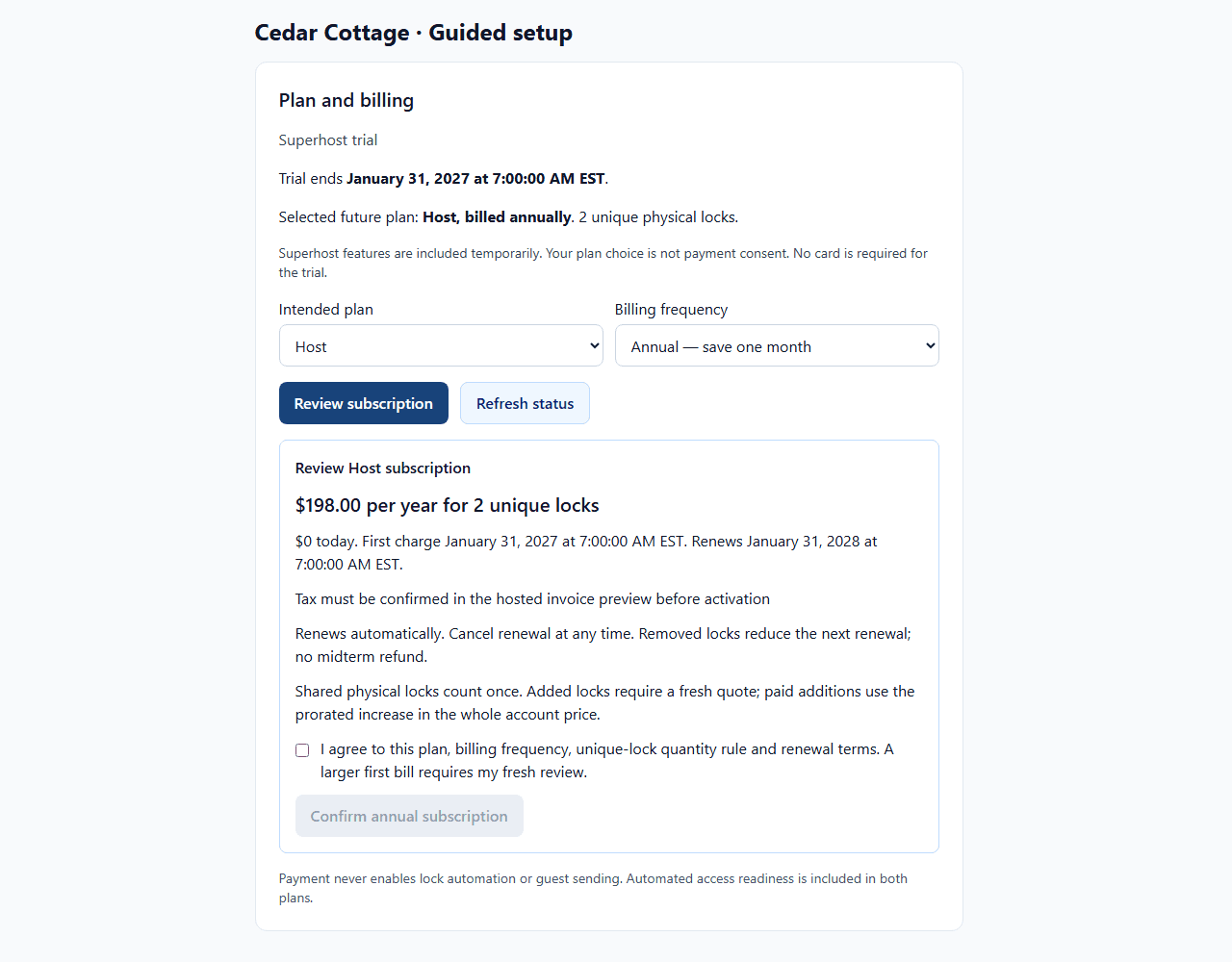
Additional example screen
Example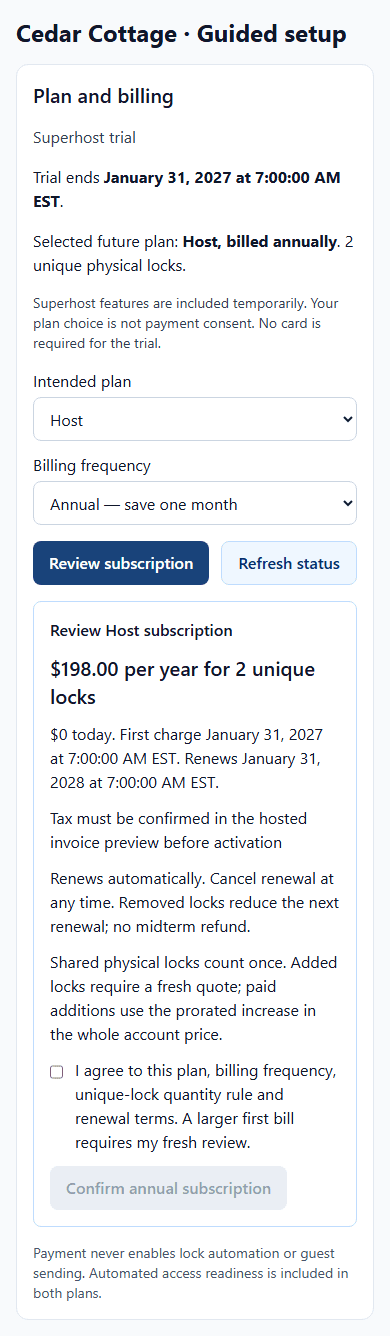
What to expect
The saved server status confirms what is selected, paid or still awaiting review.
If something does not look right
If an action result is unknown, refresh payment status before retrying. Resolve an open invoice before replacing a subscription.
Contact support